



.png)

.webp)
The key to harnessing its full potential lies in understanding Iplicit's user roles and permissions system.
This guide explores how these roles and permissions can be configured to support the unique needs of non-profit organisations whilst maintaining security and operational efficiency.
Understanding Iplicit's Role-Based System
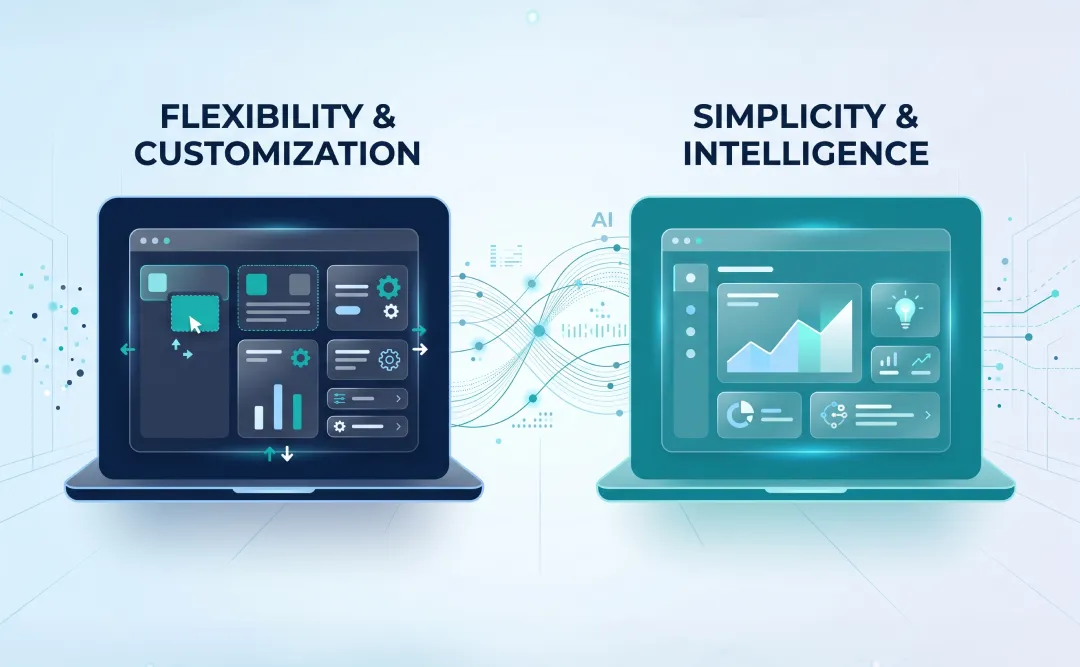
Iplicit operates on a streamlined role-based access control system, which is crucial for defining user access and capabilities without unnecessary complexity.
The system uses a combination of user role groups and individual user roles, providing flexibility whilst keeping management straightforward.
The configuration approach prioritises simplicity and ease of use, making it accessible for charities without dedicated IT teams whilst still providing robust security controls.
The Pillars of Iplicit Roles and Permissions
User Account Configuration
In Iplicit, each user account requires basic information including username, email address, and mobile number for system access and communication.
User accounts can be configured with security features including multi-factor authentication (MFA), login access blocking, and password reset capabilities.
The system tracks user sessions and login attempts, providing visibility into account activity and security.
User Role Groups vs Individual Roles
Iplicit advises using user role groups for a more simplified setup, though individual user roles can be assigned when more granular control is required.
User role groups provide pre-configured collections of permissions designed for common organisational roles, reducing configuration time and complexity.
Individual user roles allow for precise permission assignment when role groups don't precisely match organisational needs, offering flexibility for unique requirements.
Permissions Assignment
Permissions can be assigned by selecting user roles individually or by selecting user role groups for a simplified approach.
The system allows copying permissions from another user, which adds their access permissions and can be done at any stage in addition to user access already granted.
This streamlined permission management ensures users quickly receive appropriate access without extensive configuration.
Data Access Control
Beyond functional permissions, Iplicit provides data access controls that restrict which records and information users can view and modify.
This ensures users only access data relevant to their specific responsibilities, maintaining data integrity, security, and appropriate segregation of duties.
Data access can be configured based on legal entity, department, project, or other organisational structures relevant to charities.
Talk to us if you want to find out more about how Cloud Doing Good configures Iplicit roles and permissions.
Types of Roles in Iplicit
There are two approaches to assigning permissions in Iplicit:
User Role Groups
User role groups are pre-configured collections of permissions designed for common organisational roles. These groups simplify setup and ongoing management by providing tested combinations of permissions appropriate for typical job functions.
It is advised to use role groups for a more simplified setup, as they reduce administrative overhead and ensure users receive appropriate permissions without extensive configuration.
Individual User Roles
Individual user roles provide granular permission assignment when role groups don't precisely match organisational requirements. These can be assigned in addition to role groups or independently, offering flexibility for unique or specialised access needs.
In practice, organisations often use role groups as a foundation and supplement with individual roles for specific requirements.
Tailoring Iplicit for Non-Profit Organisations
Iplicit's user management system is particularly well-suited for charities due to several key advantages:
Fund-Based Access Control
Charities managing both restricted and unrestricted funds can configure permissions to ensure appropriate segregation whilst maintaining visibility:
- Finance staff see consolidated views across all funds.
- Grant managers access only their specific restricted funds.
- Department heads view unrestricted operational budgets.
This segregation protects fund restrictions whilst enabling appropriate transparency and accountability.
Simplified Permission Management
Iplicit's streamlined approach to roles and permissions means charities can configure access without requiring extensive technical expertise:
- Pre-configured role groups cover common charity roles.
- Copy permissions functionality speeds up user setup.
- Simple interface for assigning and modifying access.
- Reduced training required for administrators.
Security and Access Control
The system provides robust security features whilst maintaining ease of use:
- Multi-factor authentication for enhanced security.
- Login blocking capabilities for account protection.
- Session tracking for security monitoring.
- Password reset and forced password change functionality.
Flexibility for Growth
As charities grow and evolve, Iplicit's permission system adapts easily:
- Add new users quickly by copying permissions from existing users.
- Modify role assignments without complex reconfiguration.
- Scale permissions as organisational structure changes.
- Accommodate new subsidiaries or programmes without system limitations.
Resource and Timesheet Management
Iplicit includes specific controls for users who manage timesheets for resources or groups, relevant for charities with volunteer programmes or project-based work:
- Timesheet approval permissions can be assigned to specific users.
- Resource management controls ensure appropriate oversight.
- These permissions integrate with the broader access control system.
Best Practices for Managing Iplicit Roles and Permissions
Applying the principle of least privilege is crucial in granting users only the permissions necessary for their job functions, ensuring security whilst maintaining operational efficiency.
Leverage Role Groups First
Start with Iplicit's pre-configured role groups rather than building every permission set from scratch. These groups have been designed based on common organisational patterns and significantly simplify configuration.
Only assign individual permissions when role groups don't align with specific requirements.
Use Permission Copying Strategically
When adding new users with similar responsibilities to existing staff, copy permissions from an existing user to ensure consistency and save configuration time.
This approach reduces errors and ensures new users receive appropriate access from day one.
Regular Access Reviews
Conduct periodic reviews of user accounts and permissions:
- Conduct periodic reviews of user accounts and permissions:
- Review staff who've changed roles to ensure permissions remain appropriate.
- Remove elevated permissions granted temporarily for specific projects.
- Disable accounts for departed staff promptly.
Document Your Permission Structure
Maintain clear documentation of which roles exist, their intended purpose, and the permissions they include.
This documentation proves invaluable during audits, when onboarding new administrators, or when troubleshooting access issues.
Implement Account Security Features
For users with elevated permissions (finance directors, system administrators, payment approvers), enable multi-factor authentication to add an additional security layer.
This significantly reduces the risk of unauthorised access even if passwords are compromised.
Block Rather Than Delete Departed Users
When staff leave the organisation, block their login access rather than deleting their accounts. This maintains audit trails and historical transaction records whilst preventing system access.
Deleting users can impact historical reporting and compliance requirements.
Four FAQs About Iplicit User Permissions
What are the main differences between user role groups and individual user roles?
User role groups are pre-configured collections of permissions designed for common organisational roles. They simplify setup and management by providing tested permission combinations. Individual user roles allow for granular permission assignment when role groups don't precisely match requirements. Iplicit advises using role groups for simplified setup, supplementing with individual roles only when necessary.
How do I quickly set up permissions for a new user?
The most efficient approach is to copy permissions from an existing user with similar responsibilities. Select "Copy from" when creating the new user account, choose an existing user, and press Apply. This adds their access permissions instantly. You can then adjust permissions if needed, but copying provides a solid foundation and ensures consistency.
What security features does Iplicit provide for user accounts?
Iplicit offers several security features including multi-factor authentication (MFA) for enhanced account protection, login blocking capabilities to prevent unauthorised access, session tracking to monitor user activity, automatic account locking after multiple failed login attempts, password reset functionality, and forced password change options to ensure users set their own secure passwords.
Can I restrict users to specific legal entities or departments?
Yes, Iplicit provides data access controls beyond functional permissions. You can configure restrictions based on legal entity, department, project, fund type, or other organisational structures. This ensures users only access data relevant to their specific responsibilities, maintaining data integrity and appropriate segregation of duties whilst supporting multi-entity charity operations.
Final Notes
For charities and social enterprises, configuring Iplicit roles and permissions effectively is about balancing security with accessibility, ensuring users have appropriate access without unnecessary complexity.
By understanding and implementing Iplicit's streamlined permission system, non-profits can maintain robust security controls whilst benefiting from an intuitive, easy-to-manage access control framework.
The system's emphasis on simplified setup through role groups, combined with flexibility for granular control when needed, makes it particularly well-suited for charities with limited IT resources.
Get in touch with Cloud Doing Good for expert guidance on configuring Iplicit roles and permissions.
Talk to a systems accountant today to discover how Iplicit can support your charity's security requirements whilst maintaining ease of use.
.webp)


.webp)
.webp)
.webp)

.webp)
.webp)

.webp)
.webp)
.webp)
.webp)
.png)
.png)
.png)